Login
MYPIT uses passwordless authentication. You can log in using three methods.
Step 1 — Go to the Login Page
Navigate to https://mypit.daosolution.io/auth/login or click Login in the top navigation bar.
Step 2 — Choose a Login Method
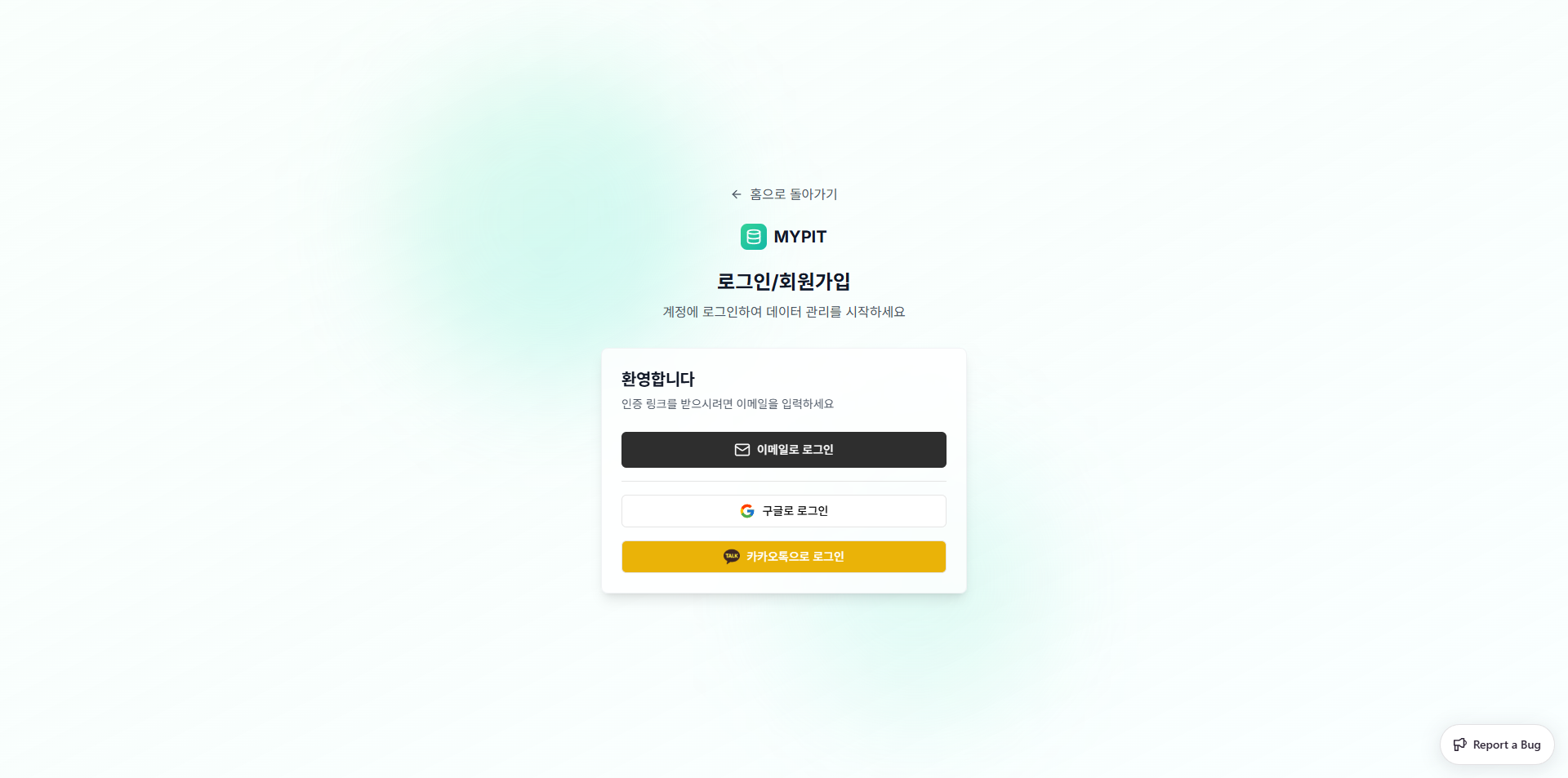
You have three options:
| Method | Description |
|---|---|
| Receive a 6-digit one-time code in your inbox | |
| Sign in with your Google account | |
| KakaoTalk | Sign in with your Kakao account |
Email Login (Step by Step)
- Click 이메일로 로그인 (Login with Email)
- Enter your email address in the dialog that appears
- Click 코드 전송 (Send Code)
- Check your inbox for a 6-digit verification code
- Enter each digit in the boxes provided
- Click 인증하기 (Verify) — you will be redirected to the dashboard automatically
TIP
The verification code expires in 120 seconds. If it expires, click 재전송 (Resend) to request a new one.
INFO
If you don't have an account yet, submitting a valid email will automatically create one for you.