Issuer Dashboard Overview
After switching to the Issuer role, you are taken to the Issuer Dashboard.
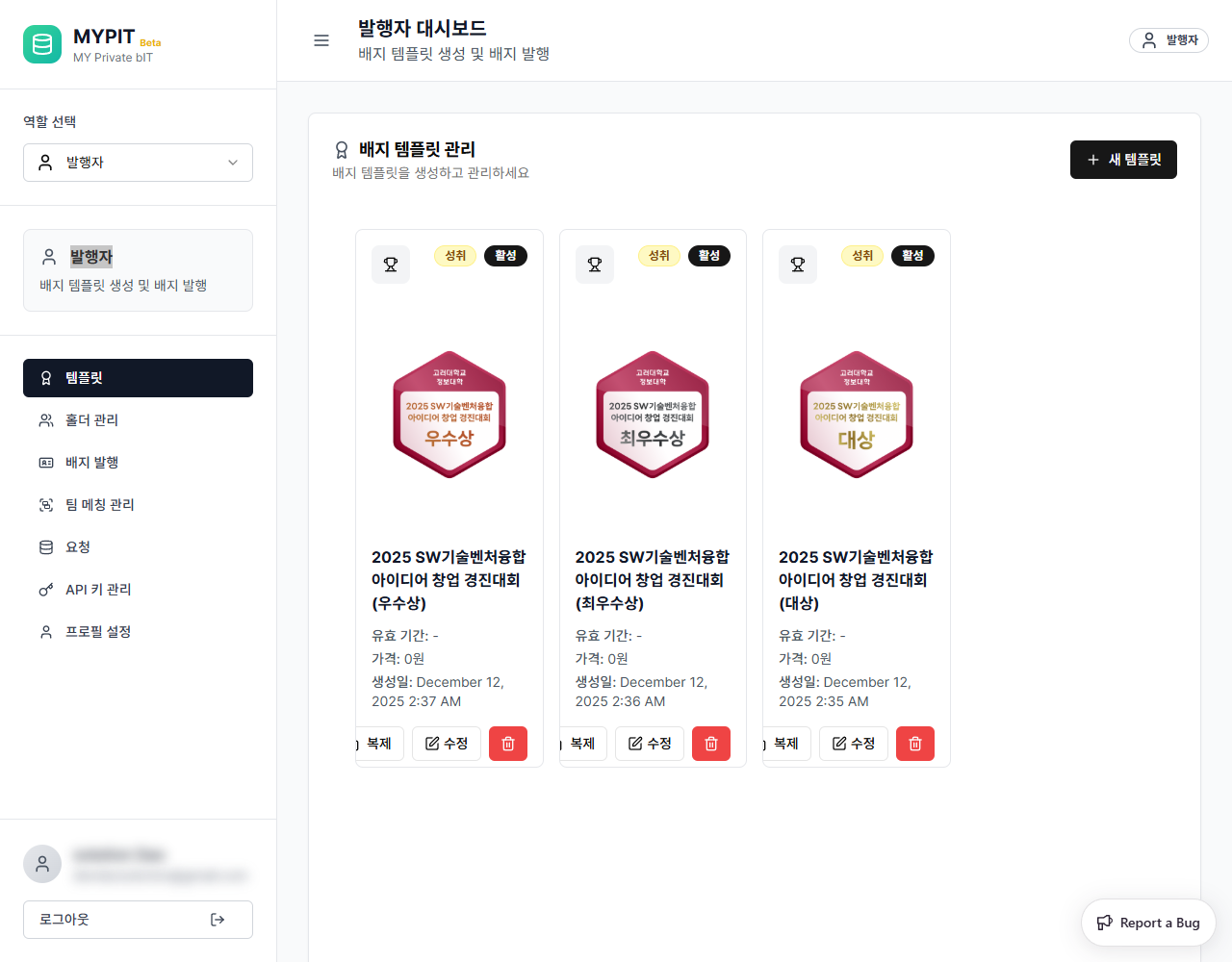
Layout
Sidebar (Left)
| Element | Description |
|---|---|
| Role Selector | Switch between your available roles |
| 발행자 (Issuer) | Your current active role |
| Navigation | Links to all Issuer sections |
| User Info | Your profile avatar and logout button |
Navigation Sections
| Section | Description |
|---|---|
| Templates | Create and manage badge templates |
| Holder Management | Add and manage badge recipients |
| Badge Issuance | Issue badges to holders |
| Team Matching Management | Create and manage classes |
| Requests | Review data access requests |
| API Key Management | View your API credentials |
| Profile Settings | View and edit your issuer profile |