Dashboard Overview
After logging in, you are taken to the Holder Dashboard.
Before you do anything else
Complete your Profile Settings first.
When you join MYPIT for the first time, you must go to Profile Settings and fill in your personal details (name, date of birth, phone, etc.).
This step generates your DID (Decentralized Identifier) and creates your Verifiable Credential — the foundation of everything else in the platform. Badges, team participation, and shared collections all depend on your DID being set up.
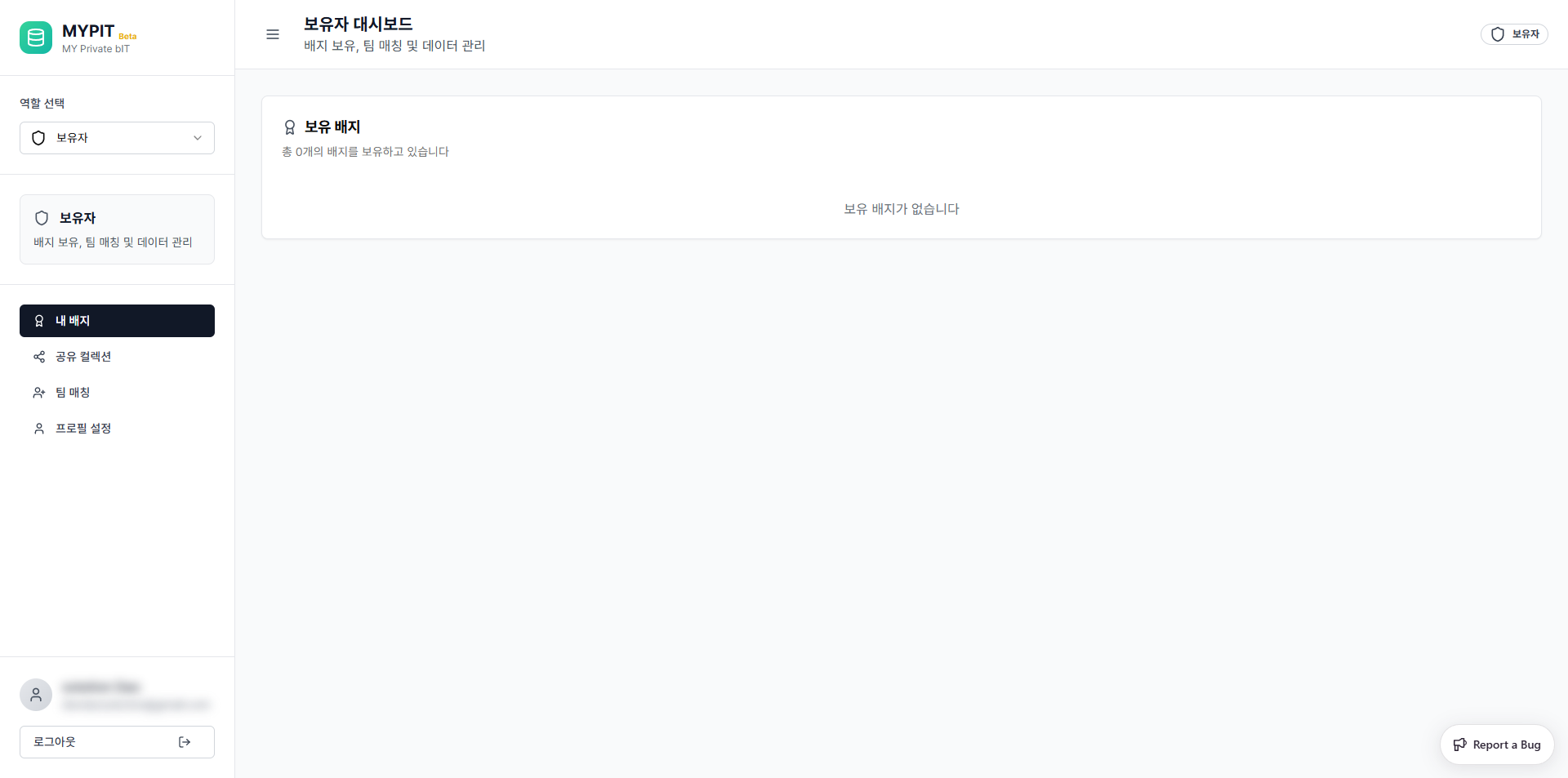
Layout
The dashboard is divided into two main areas:
Sidebar (Left)
| Element | Description |
|---|---|
| Role Selector | Switch between your available roles |
| 보유자 (Holder) | Your current active role — badge holding, team matching, data management |
| Navigation | Links to all sections of the Holder role |
| User Info | Your profile avatar and logout button |
Main Content (Right)
The main area changes based on which section you select from the sidebar navigation.
Navigation Sections
| Section | Description |
|---|---|
| My Badges | View all digital badges you own |
| Shared Collections | Create and share badge collections |
| Team Matching | Join classes and manage teams |
| Profile Settings | View and edit your personal information |
INFO
MYPIT supports multiple roles. Use the 역할 선택 (Role Selector) dropdown at the top of the sidebar to switch roles if you have been assigned more than one.